
Define topics
A topic is a buying-intent area you want to be visible in. Every prompt belongs to exactly one topic, and every topic gets its own visibility score — so you can answer questions like "are we strong on pricing questions but weak on integrations?" in one click.
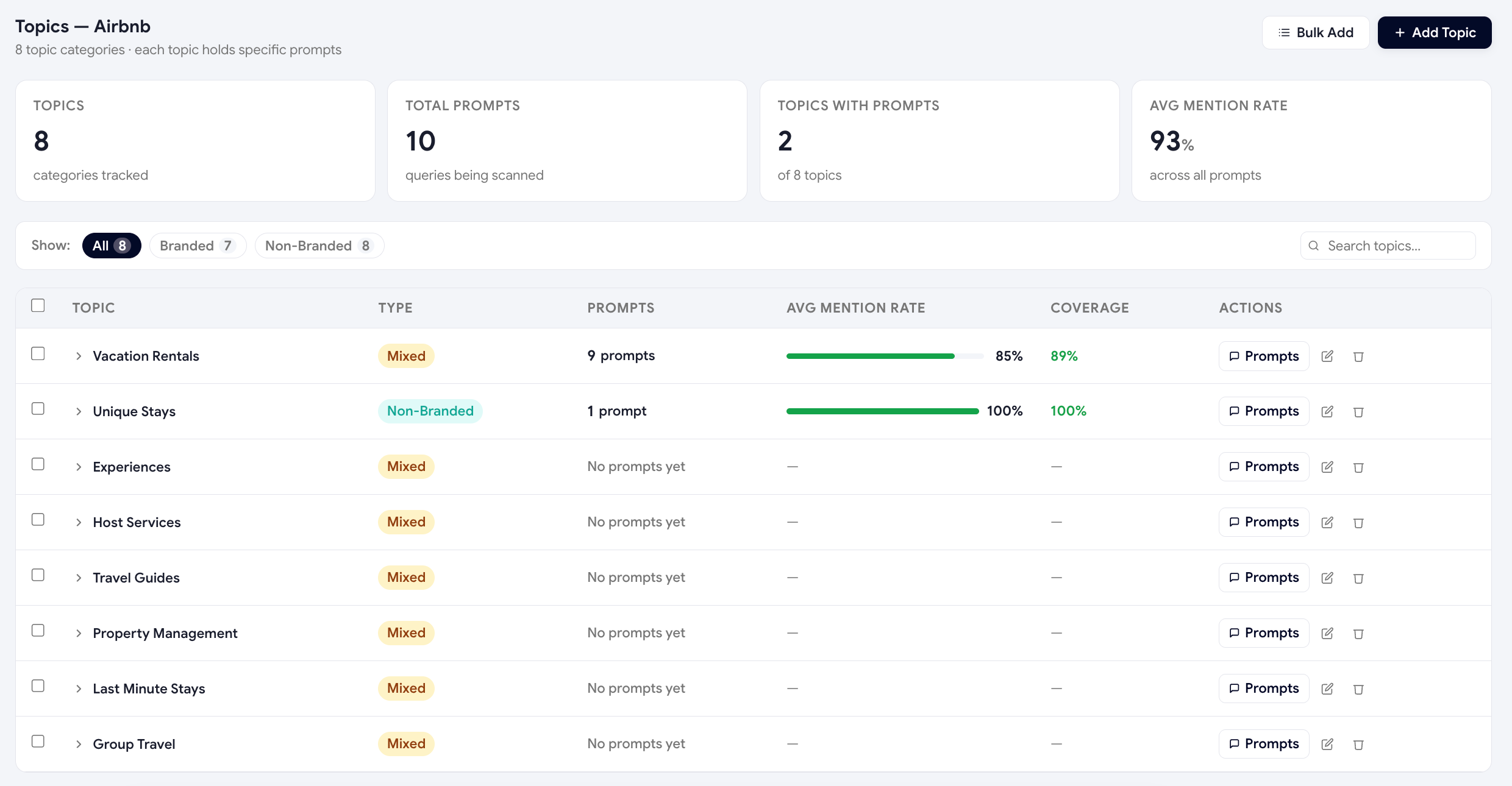
Topic vs. prompt — the difference
| Concept | What it is | Example |
|---|---|---|
| Topic | A buying-intent area. The category a buyer is in. | "Headless CMS for e-commerce" |
| Prompt | A specific question a buyer asks an AI inside that topic. | "What's the best headless CMS for a Shopify store under $50/mo?" |
How many topics should you have?
For most B2B brands, 3–7 topics covers the entire buying journey:
- Discovery — "what is X" / "how does X work" questions.
- Comparison — "X vs Y" / "best X for Y" questions.
- Pricing — "how much does X cost" / "is X free" questions.
- Integrations — "does X work with Y" questions.
- Use case — "how do I do Y with X" questions.
- Brand — "is X any good" / "is X legit" questions.
Creating topics
-
Open the Topics page
Sidebar → Topics on the dashboard.
-
Add manually or generate
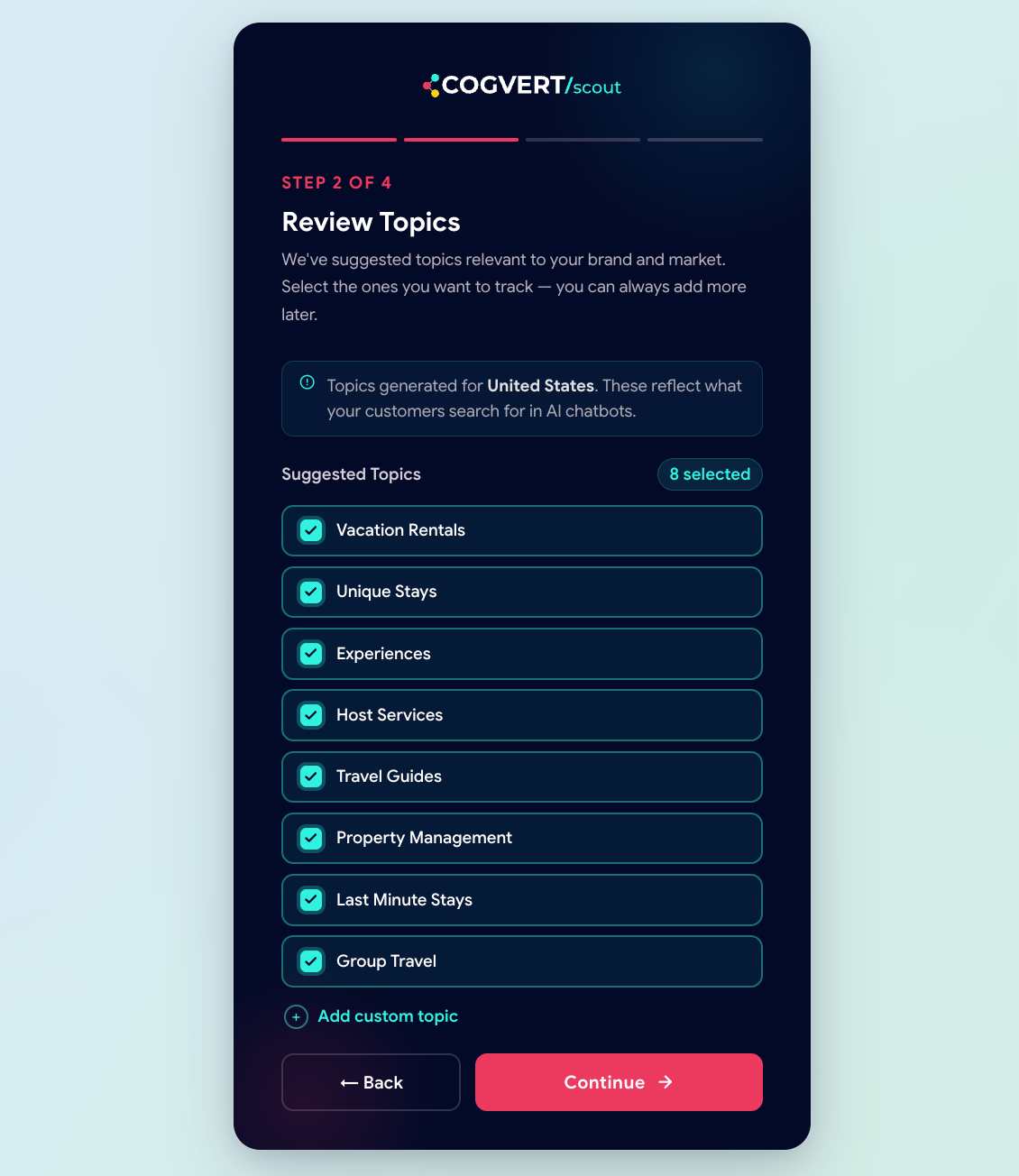
Click + Add topic to type one in, or Generate with AI to have Scout propose a starter list based on your brand description and industry.
-
Approve, rename, or delete
Generated topics are suggestions — you stay in control. Rename anything that doesn't fit your vocabulary, delete what's irrelevant.
Scout uses the topic name when generating prompts inside it. "Headless CMS for e-commerce" produces sharper prompts than "CMS stuff". Be specific.
Topic-level visibility
Once your topics are set, the dashboard's Topics view shows a per-topic Visibility Score, recommendation rate, and competitor share. This is where you'll spot the patterns that matter — for example:
"Our overall score is 67/100 but on the Pricing topic it's 28. ChatGPT keeps recommending Competitor A 'because they have a free tier'. Action: write a pricing page that explicitly mentions our free trial."
Was this page helpful?
Thanks for the feedback — we read every response.