
Create your brand profile
Your brand profile is the foundation Scout uses to interpret every AI response. Spend five extra minutes here and you'll get better data forever — most onboarding mistakes trace back to vague descriptions.
Where to do it
The brand profile is created automatically during onboarding (steps 1–4). To edit it later, go to Dashboard → Settings → Brand Profile, or open any page on the dashboard and click the brand name in the top-left.
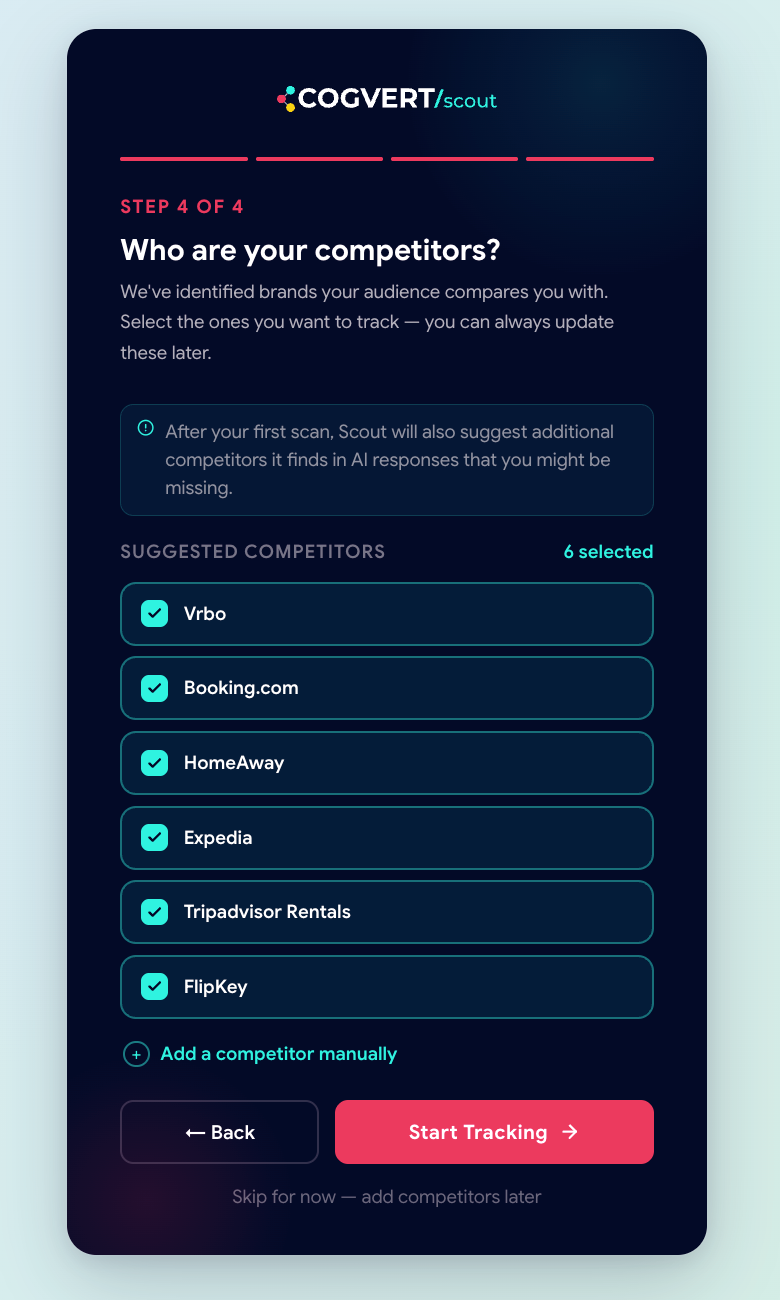
The fields, in order
-
Brand name
The exact name customers and AI models would use. If you're "Cogvert Marketing Pvt Ltd" legally but everyone knows you as "Cogvert", use Cogvert. Scout uses fuzzy matching but precise input gives precise output.
-
Website
Your primary domain, with
https://. This is what powers citation tracking ("did the AI cite your site?") and feeds the AI Audit Agent crawler. -
Industry
Pick from the dropdown or type to add your own. The industry isn't just a label — it's used to bias prompt suggestions and competitor discovery.
-
Country & language
Country drives geo-aware prompt suggestions ("best CRM in India" vs "best CRM in the US"). Language tells the AI engines which language to answer in. Scout currently supports English, Hindi, Spanish, French, and German.
-
Audience
One sentence describing who you sell to. Example: "Mid-market e-commerce founders who run their stores on Shopify." This sentence is fed into prompt generation, so be specific.
-
Description
One paragraph (3–5 sentences) describing what you do and what makes you different. This is the single most important field — it's used by every AI generator inside Scout.
Writing a description that works
The bad version:
We are a software company that helps businesses with marketing.The good version:
Cogvert Scout is an AI brand visibility tracker for B2B marketing teams.
We query ChatGPT, Gemini, and Perplexity with your buyers' real questions
and show you exactly how often you're mentioned, recommended, or ignored —
plus a guided playbook for moving the score up. We compete with PEEC AI,
Profound, and Otterly.Scout's prompt generator reads this paragraph to write 50+ candidate buyer questions. A vague description produces vague prompts. A specific one gets you to "What's the best AI brand visibility tracker for a B2B SaaS team?" instead of "What's the best marketing software?"
Editing later
Brand-profile changes apply to future scans, not historical ones. Your old data stays exactly as it was scanned, so trend lines remain comparable.
Was this page helpful?
Thanks for the feedback — we read every response.