

Step 1: Exporting Your Google Reviews
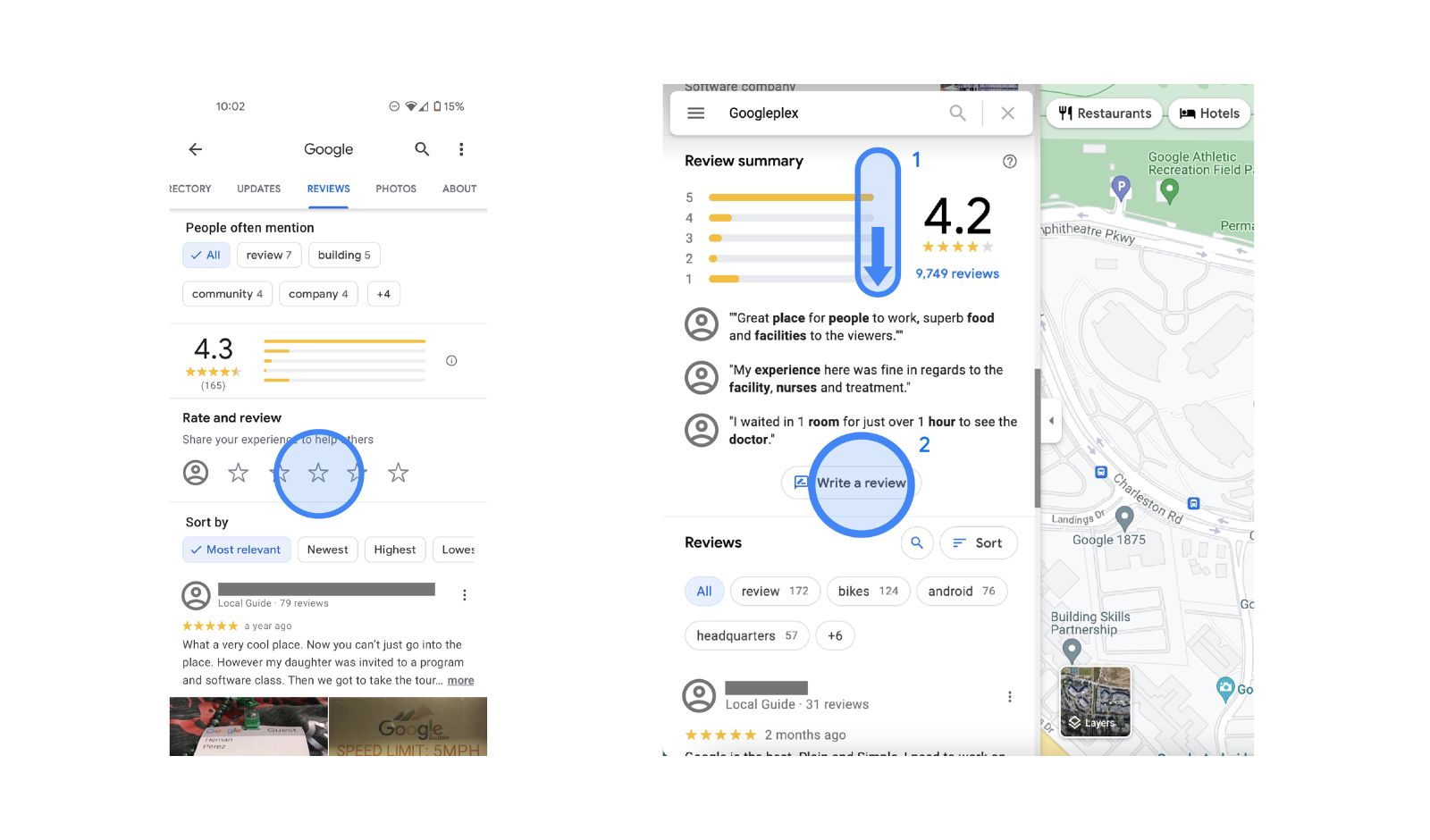
There are no reasonable ways to manually copy and paste each individual review for an entire dataset. When you manually extract the reviews, you lose other critical input variables that would make a full-sentiment analysis possible (such as star ratings, review dates, and reviewer names).
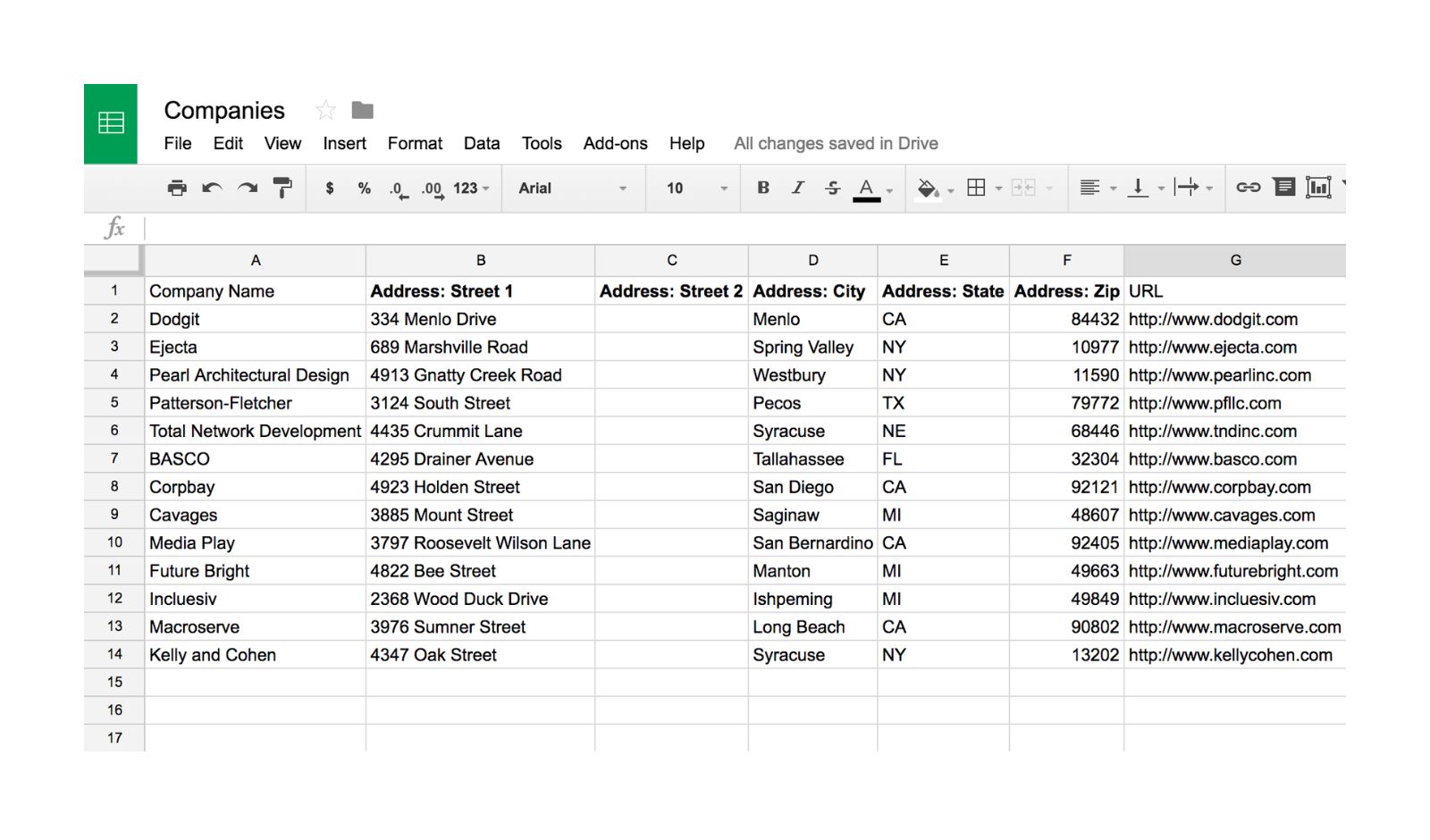
Therefore, you should have a structured CSV file with defined columns for review text, rating, date, and reviewer name to store all of this information in a single location.
Below are some practical methods to obtain that data.
Browser Extensions for Less Than 500 Reviews
Browser Extensions are the quickest way to export reviews when the account has less than 500 reviews. Browser Extensions such as Phantom Buster or Outscraper Chrome Extension will allow you to scrape Google Maps Reviews directly into a CSV file. Typically the export includes review text, star rating, post date, and whether the business replied back. Generally most accounts can be exported in less than five minutes.
Programmatically Exporting 500 Plus Reviews Using APIs
If you have a larger number of reviews, use an automation platform such as Outscraper API, SerpAPI, or Apify to automatically connect to Google Places Data and pull reviews. For example, the SerpAPI Google Maps Reviews Endpoint pulls the JSON format data directly into a CSV file. This method is a cleaner, more scalable solution to your workflow needs.
Export Data Via Google Takeout
You may also export data via Google Business Profile utilizing Google Takeout. In order to access the takeout functionality, navigate to settings and export your data. Once you click on the link provided, you will be prompted to download a zip file containing a JSON file with the reviews in it. To convert the JSON file to a CSV file, utilize either a converter tool, or write a simple Python script. The method also retrieves response data to reviews; however, requires manual cleaning and does not capture sentiment tagging.
Important Fields to Preserve
Don’t strip the data down to simply the text portion. Maintain the following fields:
Star Rating to segment sentiments
- Review Date to track changes and trends
- Length of review since the longer the review, the more likely the customer will provide rich Voice of Customer (VOC) insights
- Whether you responded to the review since how you respond to the review impacts the customers’ trust and perception.
A clean structured data set with complete metadata is what transforms raw reviews into Conversion Intelligence.
Step 2: Preparing Gemini for Data Analysis
Model Selection
What model of Gemini is best?
Gemini 1.5 Pro in Deep Think Mode
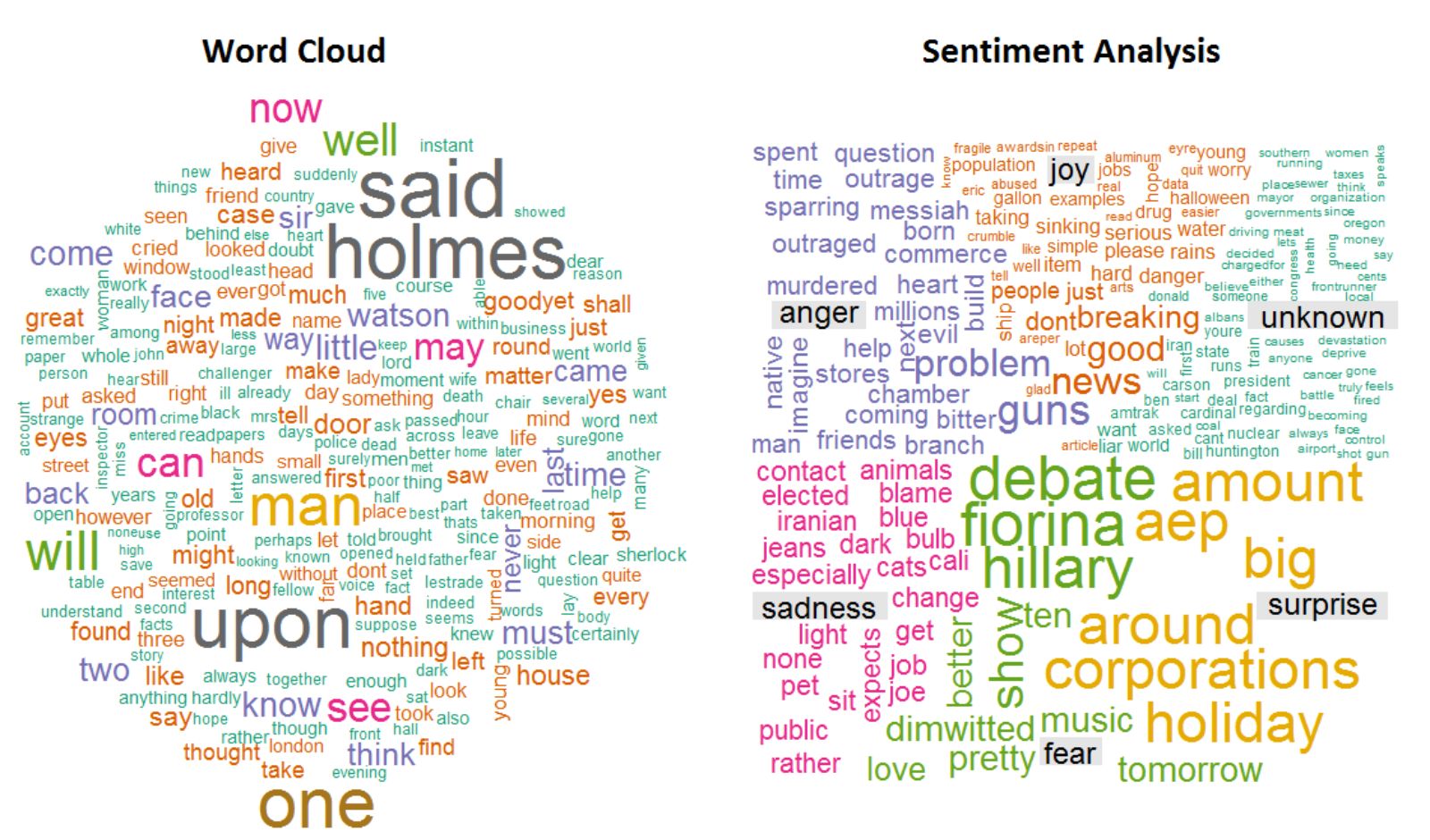
If you have more than 1,000 reviews to analyze (typically), and want to do very complex work (like cluster sentiment, find common themes, build layered insights), use this model.
This model uses a 1M Token Window so you don’t lose any data when you run an analysis. This will take anywhere from 3-8 minutes based on the number of reviews and how complex they are.
Gemini 1.5 Flash
For less than 500 reviews, and/or if you’re just doing rapid iteration over something simple (like pulling out all one-star pain points for example) use the flash model. Results should come back in about 30-90 seconds.
You’ll lose some contextual depth for this model. Use for speed; don’t use for deep thematic mapping.
The C.R.T.F Prompting Framework
When you create a generic prompt, you get generic answers. When you use the C.R.T.F framework you are forced to be precise and get the structure you want.
- Context – Our client has 1247 Google Reviews from Q3 ’24 through Q1 ’25 regarding a B2B SaaS Project Management Tool.
- Role – A Customer Insight Analyst with B2B SaaS Buying Psychology experience.
- Task – Find the Top 5 Pain Points mentioned in 1- and 2-Star Reviews, specifically frustrations customers had before purchasing.
- Format – Numbered List, including:
- Pain Point in bold
- Percentage Frequency
- Supporting Quote(s) from Customers
The more specific your prompt, the better your output will be.
Upload Your Data
To upload your file into Google AI Studio, click New Prompt, then click Upload File, and select your .CSV file.
To upload your file into the Gemini Advanced Web Interface, click the Paper Clip Icon to attach your file.
Prior to running your prompt make sure that each column header is being identified by Gemini correctly. If there is even a single character difference such as Review Text vs. “review text”, you may experience parsing errors and an incomplete analysis.
Step 3: Mining Reviews for Voice of Customer Insights
Writing Persuasive Copy
Persuasive copy does not begin with a headline, it begins with frustration. The way customers describe their frustrations prior to finding your solution is much stronger than anything you can create through brainstorming. This language includes emotion, urgency, and a desire to buy.
First, review one- and two-star reviews to find out what frustrates your customers. In addition, analyze the first few lines of three-star reviews; that is typically where the main friction resides.
Here’s an example of a prompt that works:
Write as a customer insight specialist who performs Jobs to be Done (JTBD) analyses. Perform JTBD analyses on the attached reviews CSV file.
Task: Identify the five major pain points referenced in one-star and two-star reviews. For each identified pain point, complete the following:
- Identify and extract the actual emotional language customers used.
- Categorize by level of urgency, i.e., critical blocker or simply inconvenient.
- Calculate frequency as a percent of negative reviews.
Format the output into a table with the following columns:
Pain Point | Customer Quote | Urgency Level | Frequency
Doing this effectively eliminates the need to guess what is frustrating your customers. You will be able to view their frustration directly.
Extracting Insights From Positive Reviews
Flip the lens now, Five-star reviews inform you of what customers have experienced beyond expectations.
These are not simply pleasant comments. These represent the characteristics that differentiate your company.
Identify the various ways in which customers were positively surprised by your product or service. Surprise is where your positioning lives.
Use a prompt similar to this one to perform this task:
Analyze the five-star reviews in the provided dataset. What are the top three “delight” features mentioned most frequently?
For each feature, include the following information:
- The exact quote customers used when referencing the feature.
- The emotional result for the customer such as feeling confident or saving time.
- Whether the customer stated that the experience was better than anticipated or if it was described as unexpected in comparison to other alternatives.
Format the output as a numbered list:
Feature | Customer Quote | Emotional Outcome
Example:
- Feature: Real-time collaboration
- Customer Quote: Finally my remote team feels as though we are working in the same room
- Outcome: Restored team connection (emotionally), eliminated miscommunication (functionally)
That is not simply general praise that is positioning gold.
Clustering Sentiment Based on Customer Journey Stage
Every single one of these reviews was written at a different time in the journey of the reviewer i.e., their first week, after a month, etc. and therefore, every single one of them reflects a very different mindset. Therefore, the context is important. Rather than treat all reviews equally, segregate them by those which contain “journey stage” indicators within the review itself:
- Onboarding: References setting up the product, first week, getting through the configuration process, learning curve etc.
- Daily use: References workflow, integrations, regular use, daily activities, etc.
- Advanced use: References customizing, scaling, automating, using higher level or powerful features etc.
Then, determine the average star rating for each category and find out if there are any dominant sentiments (positive vs. negative). Display the results as a simple table so that the patterns are immediately apparent.
At this point, things begin to get exciting. Many times, frustration is felt during the onboarding process. There is confusion, overwhelm, time to value, etc. However, once customers have progressed to the advanced use phase, their satisfaction usually increases. At this point, they are starting to unlock the true power of the product.
Once you can clearly visualize this emotional arc, your messaging will become more defined. You will be able to better inform your reassurance of potential prospects. You will be able to more clearly define how you differ from others. Most importantly, you will no longer create landing pages based upon assumption; you will create them based upon fact.
Step 4: Generating Landing Page Elements with Gemini
The Hero Section: Headline and Subhead
Once you have real pain points and real delight moments from your data, the hero section becomes much easier to write. There is a simple structure that works consistently because it mirrors how buyers think. It combines three elements: a clear outcome, a realistic timeframe, and the obstacle that has been frustrating them.
Why does this work so well? Because it answers the objection before it forms. You are not just promising a benefit. You are removing the friction that showed up in one star reviews.
Here is the type of prompt you would use:
You are a direct response copywriter. Based on the extracted pain points and delight features, write five headline variations using this formula:
Achieve desirable outcome in timeframe without pain point from one star reviews
Requirements:
- Use the exact customer language for the pain point
- Keep it under 12 words
- Target persona: B2B project managers at 50 to 200 person companies
- Tone: Confident, not exaggerated
Output as a numbered list with the headline and a one sentence rationale.
For example:
Align Your Remote Team in Days Without Tool Integration Chaos
Addresses integration frustration and speed to value.
Notice what is happening here. The headline is not clever for the sake of being clever. It is rooted in what customers actually said.
Benefit Bullets That Actually Mean Something
Features explain what your product does. Benefits explain why that matters to someone who has a job on the line. Go back to the top three features mentioned in five star reviews. Instead of listing them as capabilities, translate them into outcomes with emotional weight.
Here is the kind of instruction that works:
Take the top three features from the five star reviews and rewrite each as a benefit bullet using this format:
Feature driven outcome so you can emotional payoff
For example:
See edits as they happen so you stop second guessing if your team saw the latest version
Keep each bullet under 20 words.
That small shift turns real time sync into eliminate version control panic.
And that is the difference between sounding like a product sheet and sounding like you understand your buyer.
Social Proof & Trust Signals
Testimonials rarely get fully read. Most people don’t have time to read through long reviews, even long reviews that are real and complete. As such, short-form testimonials are generally the best option for landing pages that are looking to convert at a high rate. By turning a 4- to 5-sentence review into a 15- to 25-word review, you retain the credibility of the review, but also allow the reader to quickly understand the benefit of the product or service.
In other words, the goal of rewriting a testimonial isn’t to rewrite what the customer said, but rather to clarify the point they made. Identify the transformation or results of the product/service and focus on that. If the reviewer used a specific number (or “metric”), keep the number. Numbers help build trust.
Your job as an editor of testimonials is simply to cut the extraneous narrative and emphasize the result.
You are editing testimonials for a high converting landing page. Here is a full review:
[Paste 4 to 5 sentence review]
Task: Turn this review into a 1- to 2-sentence quote under 25 words that emphasizes the results of the product/service, maintains the authenticity of the reviewer’s voice, and includes the reviewer’s metric if referenced.
Output: A condensed quote with attribution.
This method can be applied to the process of creating objections as well. Reviews with negative comments are not weaknesses; they are insights into a potential buyer’s hesitations. Buyers often have the same concerns regarding price, implementation costs, missing features, etc., but they usually do not express these concerns directly on a landing page.
If a potential buyer has an objection, he will quietly leave without expressing his concern directly. Instead of responding to generic FAQs, use the language of the one- and two-star reviews to frame the questions, and let the objections arise directly from the data, and respond to them by using patterns from positive reviews (ideally with a specific example or metric).
Act as a Conversion Copywriter. Identify the top three objections related to pricing/ROI, difficulty implementing, and missing features compared to the competition based on the one-, two-, and three-star reviews and potential hesitation points.
Write each objection as a question in the language of the prospect, followed by a 2-to-3-sentence response that reframes the objection using positive review data and includes a specific example or metric if available.
Output as FAQs in Question and Answer format.
By approaching your testimonials and objections this way, your reviews cease to be passively used as social proof. They instead become strategically leveraged conversion drivers that affect the performance of your landing page.
Step 5: Structuring the Page (The Narrative Arc)
Even though you may have a lot of “raw materials” (i.e., pain points, delight features, testimonials, objections), you can’t turn insight into conversion by itself. You also need a persuasive structure to move a prospect from being aware of a problem to taking an action based upon an emotional and rational process.
There is a very common and effective framework for a solution-unaware buyer with pain awareness called the PAS model. The PAS model has proven to be particularly effective when there are testimonials that demonstrate how frustrated the prospect is with his/her current situation, yet he/she is still willing to tolerate it.
PAS allows you to take the language that has been developed through your review analysis, and use that language intentionally to develop copy rather than creating new copy.
You will act as a senior copywriter responsible for developing B2B landing pages. Using the information gained from the reviews, write:
PROBLEM: Write a 2- to 3-sentence opening paragraph to describe the primary pain point with customer quotes to create a vivid picture of the specific pain point.
AGITATE: Write 2- to 3-sentences describing the costs associated with inaction. Describe what happens if they continue to utilize their existing solution. Use quotes from reviews that reference the waste of time, the drain of money, and/or the frustration of teams.
SOLUTION: Offer the product as a solution to the pain. Create a connection between the top delight features of the product and the emotional outcome that customers stated by writing 2- to 3-sentences.
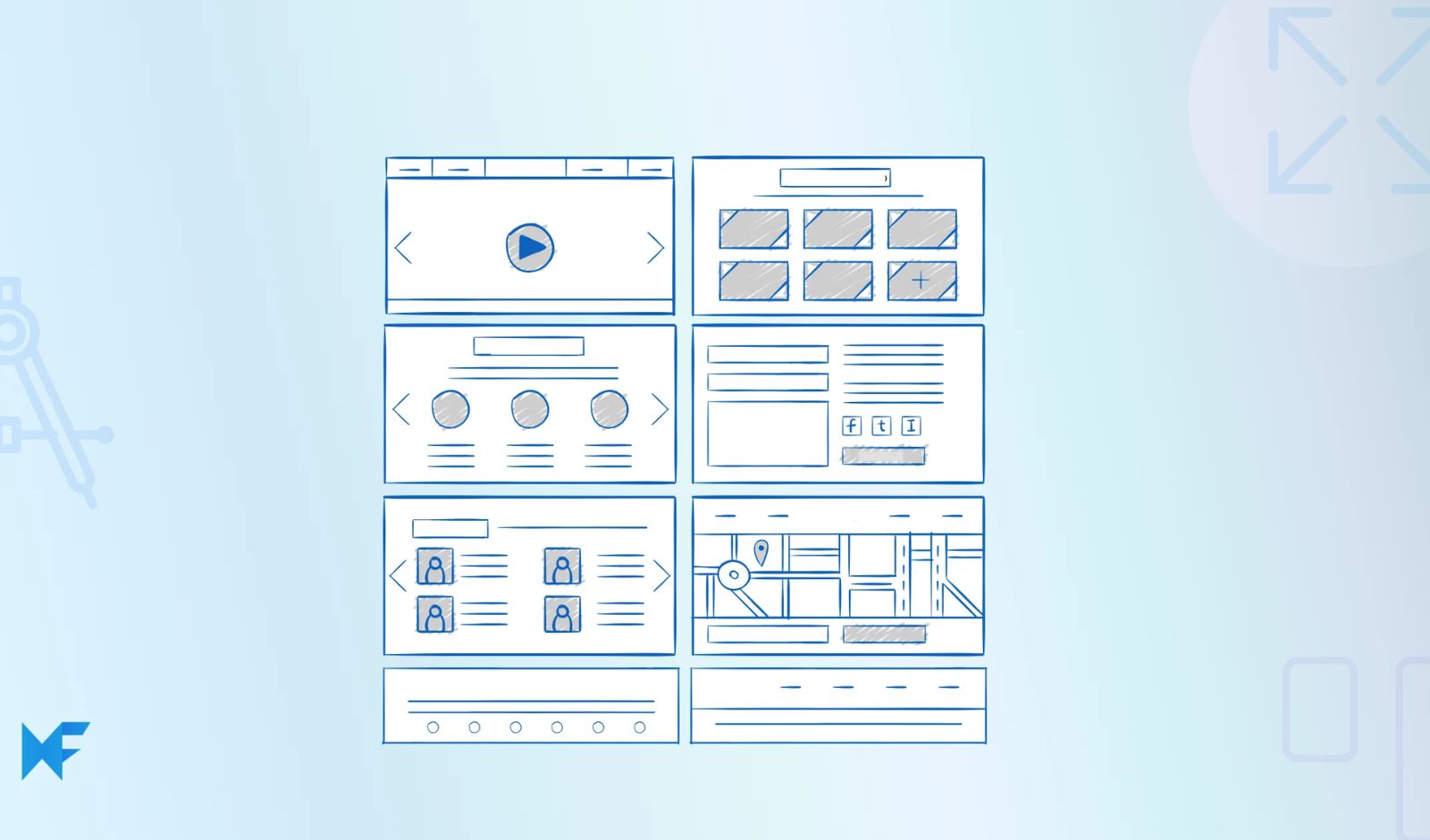
After establishing the above format, you can structure a complete landing page layout with the following sections: Hero, expanded Problem section, How It Works in 3 benefit-focused step sections, Social Proof section including 3 sound bite testimonials, and a clear Call-to-Action (CTA).
By utilizing the PAS approach, the landing page will seem cohesive. The page will begin by creating tension, increase the tension, and ultimately resolve the tension by providing customers with real-life examples of other customers’ experiences. You are not attempting to persuade with hype; you are attempting to persuade with the patterns that exist within the experiences of your customers.
Buyers who are further along in the buying cycle, and have already begun to compare options, tend to respond better to the AIDA framework. At this stage of the cycle, the buyer knows that they need a solution, however they are deciding which one to select.
In that case, the structure of the landing page will shift slightly.
To structure a landing page using the AIDA framework:
Attention: Begin with a pattern interrupt headline that utilizes the without pain point formula.
Interest: Follow with a subhead that identifies the unique mechanism, usually the most referenced delight feature.
Desire: Provide three benefit bullet points that identify the features and emotional outcomes that were identified in the reviews.
Action: Develop a CTA that focuses on the lower risk associated with trying the product, i.e. a time-bound trial with the option to cancel.
Use the language from the reviews in all parts of the landing page. Structure the landing page into a defined format.
Regardless of whether you utilize the AIDA or PAS framework, the basis of both is the same. You are structuring the page using what customers have previously communicated to you is important. You are not speculating about what is important.
Advanced Tips: Optimization & Multimodal Features
Visual Strategy Using Review Sentiment
Prompt for image direction:
Based on the emotional tone of the 5-star reviews (which emphasize [team connection / time savings / stress reduction]), suggest 3 hero image concepts that visually represent this outcome.
Avoid generic stock photos. Describe specific scenes or metaphors that match the sentiment.
Example output format:
Close-up of a team high-fiving over a laptop, warm lighting, and authentic office setting—conveys collaboration relief
Use this output as an Imagen 3 prompt (via Gemini) or as a creative brief for photographers.
A/B Testing Variations
Prompt:
Generate 3 variations of the value proposition that emphasize different psychological triggers:
1. Loss aversion (what they avoid)
2. Gain maximization (what they achieve)
3. Social proof (what peers are doing)
Use the same benefit but angle it differently. Output as 3 subheadlines under 15 words each.
Test these via Google Optimize or Unbounce to identify which frame resonates most with your ICP.
Mobile Optimization Check
Prompt:
Review the landing page copy and flag any sections that will fail on mobile:
Paragraphs over 3 sentences
Benefit bullets over 15 words
Headlines over 10 words
Suggest mobile-optimized alternatives that preserve meaning but improve scannability.
Conclusion